
Photo Editing

How Photographers Can Deliver Wedding Galleries Faster Without Sacrificing Quality

For wedding photographers, the job doesn't end when the last photograph is captured. After the wedding day comes one of the most time-consuming parts of the business: sorting, editing, retouching, exporting, and delivering hundreds or even thousands of photographs. Clients naturally want to see their wedding memories as soon as possible. At the same time, photographers cannot afford to rush the editing process and compromise the consistency or quality of their work.

10 Aug 2026, 09:52 AM
How Photographers Can Deliver Wedding Galleries Faster Without Sacrificing Quality

How Photographers Can Deliver Wedding Galleries Faster Without Sacrificing Quality

For wedding photographers, the job doesn't end when the last photograph is captured.

After the wedding day comes one of the most time-consuming parts of the business: sorting, editing, retouching, exporting, and delivering hundreds or even thousands of photographs.

Clients naturally want to see their wedding memories as soon as possible. At the same time, photographers cannot afford to rush the editing process and compromise the consistency or quality of their work.

The challenge is finding a workflow that allows you to deliver wedding galleries faster while maintaining your signature editing style and professional quality.

The good news is that photographers don't necessarily need to choose between speed and quality. With an optimized workflow, automation, AI-assisted tools, and professional wedding photo editing services, it is possible to significantly reduce post-production time.

Here are practical strategies photographers can use to speed up wedding gallery delivery.

1. Start With an Efficient Photo Culling Workflow

One of the first major bottlenecks in wedding photography is photo selection.

A single wedding can produce thousands of RAW files. Reviewing every image manually can consume many hours before editing even begins.

A structured culling process can dramatically reduce this workload.

Consider separating images into categories such as:

  1. Keepers
  2. Duplicates
  3. Blurry images
  4. Closed eyes
  5. Poor expressions
  6. Technical failures
  7. Test shots
  8. Detail photographs
  9. Key moments
  10. Family portraits
  11. Couple portraits
  12. Reception and ceremony images

AI-assisted culling tools can help identify technically unsuitable photographs and group similar images, allowing photographers to spend more time making the final creative decisions.

The goal isn't necessarily to let AI choose everything. Instead, use technology to reduce repetitive work while keeping creative control in human hands.

2. Create a Consistent Wedding Editing Style

One of the biggest advantages professional photographers have is their recognizable visual style.

Whether your style is:

  1. Bright and airy
  2. Dark and moody
  3. Warm and cinematic
  4. Natural and timeless
  5. Vibrant and colorful
  6. Soft and pastel
  7. Film-inspired

consistency is essential.

Instead of editing every image from scratch, create presets and standardized adjustments for different lighting conditions.

For example, you can develop separate base presets for:

  1. Outdoor daylight
  2. Indoor reception
  3. Ceremony lighting
  4. Golden hour
  5. Night photography
  6. Flash photography
  7. Mixed lighting
  8. Low-light environments

This creates a starting point for the entire gallery and reduces repetitive adjustments.

However, presets should not be treated as a complete solution. Different lighting conditions, skin tones, backgrounds, and camera exposures often require individual adjustments.

3. Use AI-Assisted Editing for Repetitive Tasks

AI has become increasingly useful in professional photo post-production.

Instead of replacing the photographer's creative decisions, AI can assist with repetitive tasks such as:

  1. Exposure correction
  2. White balance
  3. Image enhancement
  4. Noise reduction
  5. Image selection
  6. Masking
  7. Sky adjustments
  8. Background cleanup
  9. Basic skin retouching
  10. Batch adjustments

This can significantly reduce the amount of time spent on repetitive corrections.

However, photographers should still perform a quality-control review after AI processing.

AI-generated or automated adjustments can sometimes produce inconsistent results, especially with:

  1. Difficult lighting
  2. Complex backgrounds
  3. Skin tones
  4. Group photographs
  5. Mixed lighting
  6. Fine details
  7. Hair and clothing edges

The most effective approach is often AI-assisted workflow + professional human quality control.

4. Batch Edit Similar Images

Wedding photographers frequently capture multiple photographs under the same lighting conditions.

Instead of editing every photograph individually, identify groups of images captured in similar environments.

For example:

Outdoor ceremony

Apply a base adjustment to the first photograph and synchronize appropriate settings across the group.

Reception

Create another adjustment profile for the reception lighting.

Couple portraits

Use a consistent starting point for exposure, contrast, color and skin tones.

Batch editing can save considerable time, but every gallery should still receive individual attention before final delivery.

The objective is not to make every photograph identical. It is to make the entire gallery visually consistent.

5. Separate Creative Editing From Routine Editing

Not every photograph requires the same level of editing.

A useful workflow is to divide photographs into different editing categories.

Standard images

These may only require:

  1. Exposure correction
  2. White balance
  3. Contrast
  4. Color correction
  5. Cropping
  6. Basic enhancement

Featured images

These may require:

  1. Detailed skin retouching
  2. Background cleanup
  3. Object removal
  4. Advanced color grading
  5. Facial refinement
  6. Detailed masking

Album photographs

Selected photographs for albums may receive additional attention because they represent the strongest visual moments of the wedding.

This approach prevents photographers from spending 10–15 minutes editing every single photograph when many images only need basic corrections.

6. Maintain Your Signature Editing Style

Speed should never come at the expense of your brand.

Your editing style is part of what differentiates you from other wedding photographers.

If you outsource wedding photo editing, provide your editor with:

  1. Reference images
  2. Lightroom presets
  3. Before-and-after examples
  4. Skin tone preferences
  5. Color preferences
  6. Contrast preferences
  7. Exposure preferences
  8. Retouching requirements
  9. Cropping guidelines
  10. Special instructions

A professional editing team should be able to understand your style and reproduce it consistently across the gallery.

This makes outsourcing much more effective than simply sending RAW files with no instructions.

7. Outsource High-Volume Wedding Photo Editing

For photographers handling multiple weddings every month, post-production can quickly become a major business bottleneck.

Consider a wedding with:

3,000 RAW photographs

Even if the photographer spends only a few seconds reviewing and adjusting each image, the total time can become substantial.

That time could instead be used for:

  1. Client consultations
  2. Wedding bookings
  3. Marketing
  4. Social media
  5. Album design
  6. Business development
  7. Shooting
  8. Personal time

This is where professional wedding photo editing outsourcing can make a significant difference.

Instead of spending several days completing repetitive post-production tasks, photographers can send their selected images to an experienced editing team.

The photographer retains creative control while the editing partner handles the production workload.

8. Build a Clear Editing Workflow With Your Editing Partner

Successful outsourcing requires a structured workflow.

A typical process can look like this:

Step 1 – Photographer uploads RAW files

↓

Step 2 – Photographer provides editing instructions and references

↓

Step 3 – Editing team reviews the requirements

↓

Step 4 – Professional editors process the images

↓

Step 5 – Quality-control review

↓

Step 6 – Edited gallery is delivered

↓

Step 7 – Photographer reviews the gallery

↓

Step 8 – Revisions are completed if required

This workflow creates accountability and makes it easier to maintain consistency from one wedding to the next.

9. Use a Detailed Editing Style Guide

If you regularly work with an editing team, create a simple style guide.

It can include instructions such as:

Color

  1. Maintain natural skin tones
  2. Avoid excessive saturation
  3. Keep greens natural
  4. Preserve wedding dress details
  5. Maintain consistent white balance

Skin Retouching

  1. Keep skin natural
  2. Remove temporary blemishes
  3. Avoid excessive smoothing
  4. Preserve natural facial features

Exposure

  1. Protect highlights
  2. Maintain shadow detail
  3. Avoid excessive HDR effects
  4. Keep the overall gallery consistent

Composition

  1. Straighten horizons
  2. Correct obvious distractions
  3. Apply consistent cropping where required

A good style guide reduces revisions and helps editors understand exactly what the photographer expects.

10. Implement Quality Control Before Delivery

Faster delivery doesn't mean skipping quality control.

Before sending the final gallery to your client, review a representative selection of images.

Look for:

  1. Inconsistent exposure
  2. Incorrect white balance
  3. Skin tone variations
  4. Over-editing
  5. Unwanted objects
  6. Cropping problems
  7. Color inconsistencies
  8. Missed images
  9. Export issues

For large wedding galleries, quality control can be performed systematically rather than reviewing every photograph with the same level of scrutiny.

A professional editing partner should also have an internal QC process before delivering the final images.

AI + Human Editing: A More Efficient Approach

The future of wedding photo post-production is unlikely to be simply AI versus human editing.

Instead, the most efficient workflow is likely to combine both.

AI can help with:

  1. Speed
  2. Batch processing
  3. Image selection
  4. Repetitive adjustments
  5. Masking
  6. Noise reduction
  7. Basic corrections

Professional editors can provide:

  1. Creative judgment
  2. Consistent color
  3. Natural skin tones
  4. Complex retouching
  5. Style matching
  6. Quality control
  7. Attention to detail

The combination allows photographers to achieve greater efficiency without losing the artistic character of their work.

How Outsourcing Can Help Wedding Photographers

Professional wedding photo editing services can take care of large-volume post-production while photographers focus on their core business.

Depending on the photographer's requirements, outsourced editing may include:

  1. RAW photo editing
  2. Lightroom editing
  3. Color correction
  4. Exposure correction
  5. White balance
  6. Wedding photo retouching
  7. Skin retouching
  8. Image enhancement
  9. Background cleanup
  10. Object removal
  11. Cropping and resizing
  12. Album image preparation
  13. Bulk wedding gallery editing

For photographers who regularly handle multiple weddings, outsourcing can turn post-production from a time-consuming task into a predictable production workflow.

How to Choose the Right Wedding Photo Editing Service

Not every editing company will be the right fit for your photography business.

Before choosing an editing partner, consider:

1. Editing quality

Ask for sample edits using your own photographs.

2. Style matching

Make sure the editor can reproduce your preferred look rather than applying a generic preset.

3. Turnaround time

Ask how long a typical wedding gallery takes to process.

4. Revision policy

Understand how corrections and revisions are handled.

5. Data security

Wedding photographs are valuable client assets. Make sure your editing partner follows appropriate file-handling and security practices.

6. Scalability

Choose a provider that can handle both smaller assignments and large wedding seasons.

7. Communication

Clear instructions and responsive communication are essential for maintaining consistency.

A Faster Wedding Photography Workflow

A streamlined wedding photography workflow could look like this:

Shoot

↓

Backup

↓

Cull

↓

Organize

↓

Apply Base Editing

↓

Send Editing Assignment

↓

Professional Editing + QC

↓

Photographer Review

↓

Final Export

↓

Client Delivery

This workflow allows photographers to spend less time performing repetitive post-production and more time growing their photography business.

Final Thoughts

Delivering wedding galleries quickly doesn't mean lowering your editing standards.

The key is to remove unnecessary manual work while protecting the creative decisions that define your photography brand.

Efficient culling, presets, batch processing, AI-assisted tools, standardized workflows, quality control, and professional editing support can all help photographers reduce turnaround times.

For photographers handling a growing number of weddings, outsourcing can be particularly valuable. It allows you to scale your post-production capacity without necessarily increasing your in-house workload.

The best workflow is not about choosing between speed and quality.

It's about building a system that delivers both.

Ready to Reduce Your Wedding Editing Workload?

At Image Solutions India, we help professional photographers handle high-volume wedding photo editing while maintaining their preferred editing style and quality standards.

Whether you need editing for a single wedding or ongoing post-production support, you can start by sharing a few sample images and your editing requirements.

Send us your sample images and let our professional editors create a sample edit for you.

Focus on capturing unforgettable moments. Let us help with the editing.

The Human-AI Hybrid Advantage

While automated background removal models can process basic isolated shapes in milliseconds, complex apparel transparencies, loose hair textures, and fine footwear mesh panels require human expert QA oversight for precision. By combining automated batch pre-processing with expert pen-tool clipping workflows, global brands can reduce editing production timelines significantly.

Need high-precision background masking for an upcoming catalog launch? Upload your raw image files and receive your first 3 assets completely free of charge.

Get Free Sample ➜
Related Insights & Case Studies

AI Can Edit in Seconds. But Should AI Decide the Final Look of a Photograph?
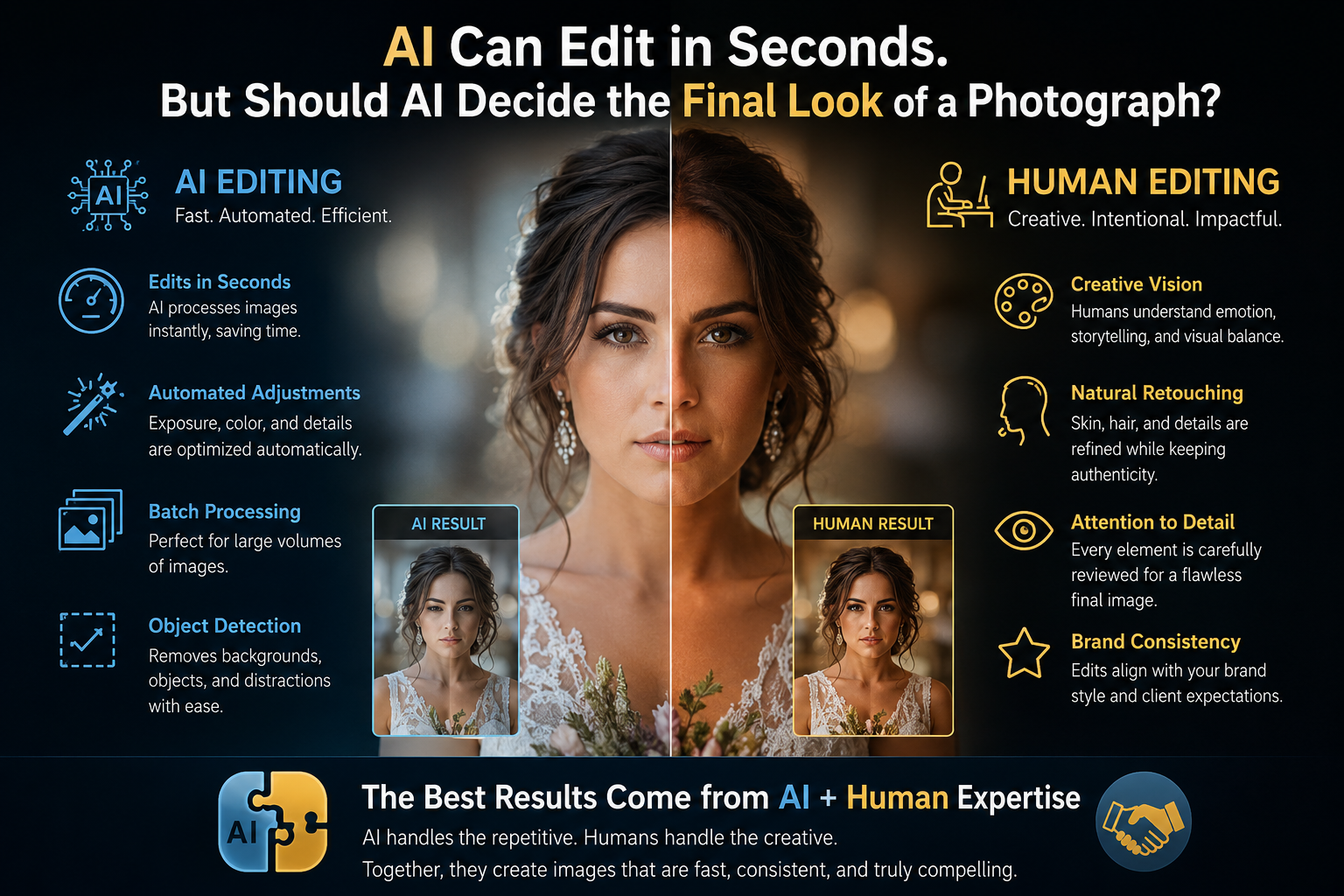
AI Can Edit in Seconds. But Should AI Decide the Final Look of a Photograph?

Discover how AI is transforming professional photo editing by automating background removal, color correction, noise reduction, and batch processing. Explore where AI delivers exceptional speed and efficiency, where human creativity remains irreplaceable, and why the best results come from combining advanced AI technology with skilled editors. Learn how this hybrid approach preserves authenticity, brand consistency, emotional storytelling, and premium image quality.

Read Full Article

The Future of E-commerce Product Photography in 2026

The Future of E-commerce Product Photography in 2026

Discover how AI-powered technology and professional photography are reshaping eCommerce product visuals in 2026. Explore how the hybrid approach combines human creativity, product accuracy, and advanced AI workflows to help brands create authentic, scalable, and high-converting images that enhance customer trust, improve engagement, and drive online sales.

Read Full Article

Bulk Product Photo Editing Company in India

Bulk Product Photo Editing Company in India

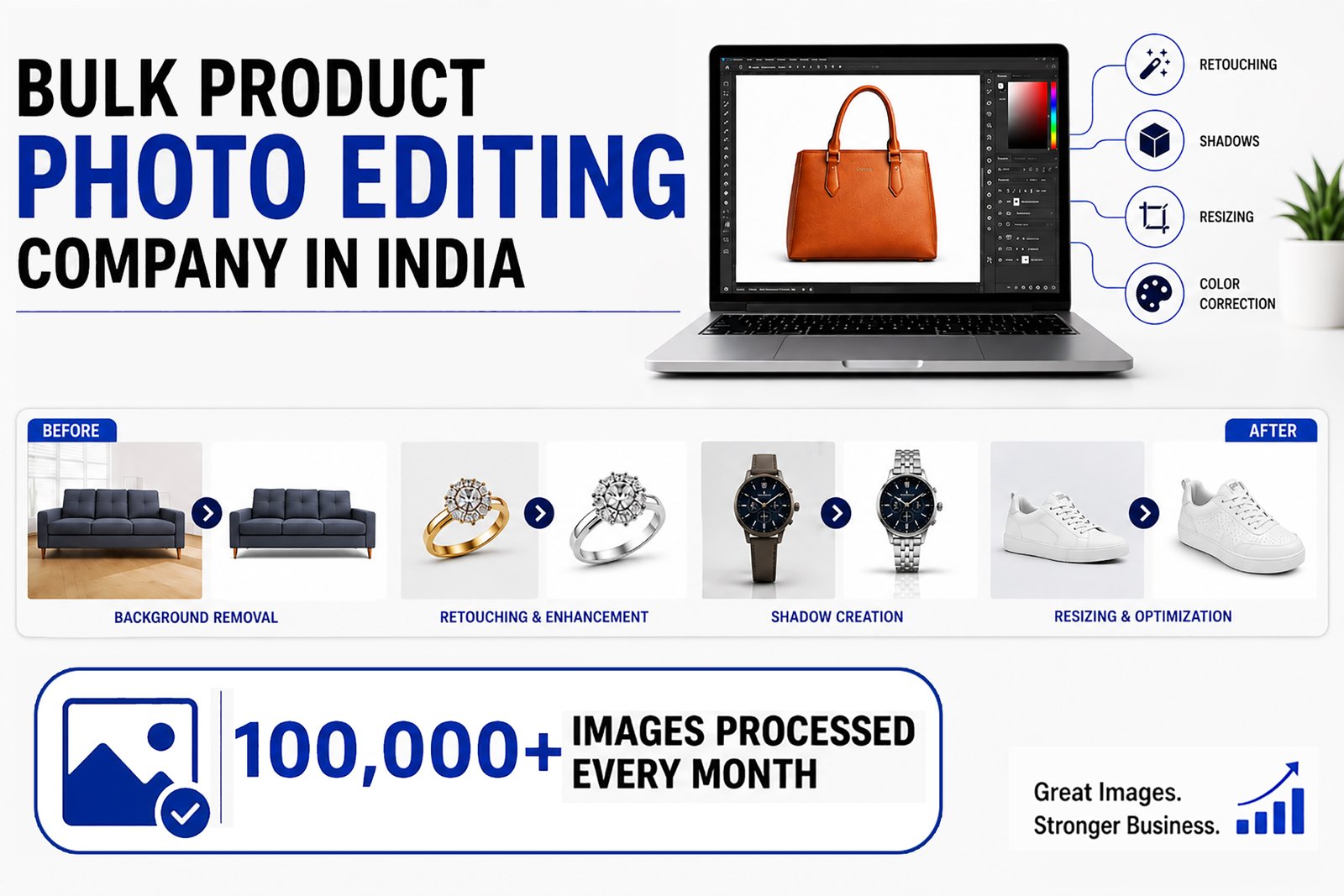
Professional bulk product photo editing company in India offering high-quality image editing services for eCommerce, Amazon, Shopify, Flipkart, and online retailers. Our expert team specializes in background removal, product retouching, color correction, shadow creation, image masking, ghost mannequin, and clipping path services. Get fast turnaround, affordable pricing, consistent quality, and scalable solutions to make your product photos stand out and increase online sales.

Read Full Article